
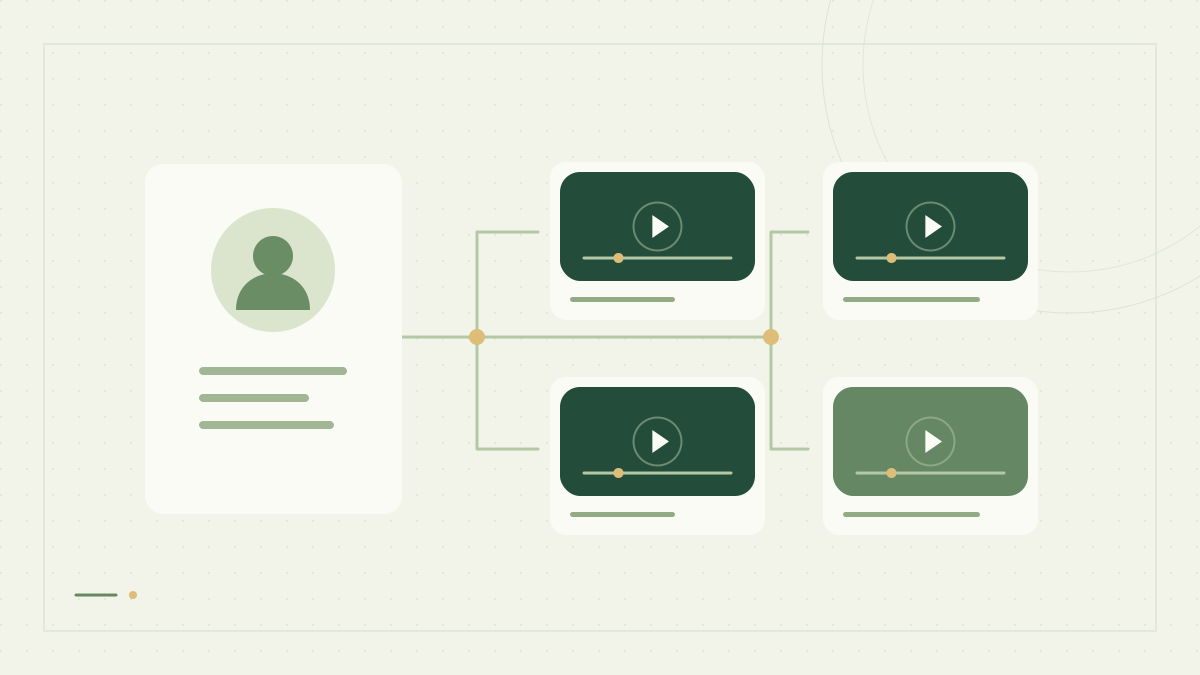
When a workflow starts with a creator rather than a video URL, first retrieve the channel and its recent videos. That gives you a bounded list of video IDs for later metadata or caption requests. This tutorial saves a channel snapshot and a simple ID file using Python’s standard library.
What the channel endpoint returns
The youtube_channel source accepts a handle such as @jawed; the @ prefix is optional. params.video_limit controls how many recent entries to request, from 1 to 100, with a default of 20. Fewer videos may be available.
The returned videoCount describes the channel’s total video count. The videos array contains the recent entries returned by this request. A request for 20 entries does not retrieve the entire channel archive, and this endpoint does not offer a documented page parameter for walking all historical uploads.
Channel statistics and images can be missing or null. Keep that distinction in your data: an unavailable subscriber count is not a channel with zero subscribers.
Set the handle and a small collection limit
Create an API key with available Credits. Start with a small limit to inspect the response before planning a larger workflow. Fetching channel data and later fetching each video’s metadata are separate API requests.
export FLASHDATA_API_KEY='your-api-key'
export YOUTUBE_HANDLE='@jawed'
export VIDEO_LIMIT='20'
Save the channel snapshot and video IDs
Save this code as channel-videos.py. The script checks that the response completed, extracts valid video IDs, and preserves the original video records in JSON. It writes each unique ID once, even if a source response contains a duplicate entry.
import json
import os
import re
from pathlib import Path
from urllib.request import Request, urlopen
from urllib.error import HTTPError

key = os.environ["FLASHDATA_API_KEY"]
handle = os.environ.get("YOUTUBE_HANDLE", "@jawed").strip()
limit = int(os.environ.get("VIDEO_LIMIT", "20"))
if not handle or len(handle) > 100:
    raise ValueError("Use a channel handle of at most 100 characters")
if not 1 <= limit <= 100:
    raise ValueError("VIDEO_LIMIT must be between 1 and 100")
request = Request(
    "https://data.flashdata.dev/v1/queries/realtime",
    data=json.dumps({"source": "youtube_channel", "handle": handle,
                     "params": {"video_limit": limit}}).encode(),
    method="POST", headers={"Content-Type": "application/json", "X-API-Key": key},
)
try:
    with urlopen(request, timeout=60) as response:
        payload = json.load(response)
except HTTPError as error:
    raise RuntimeError(f"Channel request failed: HTTP {error.code}") from error
if payload.get("error") or payload.get("status") != "done":
    raise RuntimeError("Channel request did not complete. Check Request History before retrying.")
if not isinstance(payload.get("results"), list) or not payload["results"]:
    raise RuntimeError("Expected a channel result")
channel = payload["results"][0]
videos = channel.get("videos")
if not isinstance(videos, list):
    raise RuntimeError("Expected a videos array")
ids = list(dict.fromkeys(
    row["videoId"] for row in videos
    if isinstance(row.get("videoId"), str)
    and re.fullmatch(r"[A-Za-z0-9_-]{11}", row["videoId"])
))
Path("channel.json").write_text(json.dumps({
    "requestedHandle": handle, "requestedLimit": limit,
    "channel": channel, "usage": payload.get("usage"),
}, indent=2), encoding="utf-8")
Path("video-ids.txt").write_text("".join(video_id + "\n" for video_id in ids), encoding="utf-8")
print(f"Saved {len(videos)} returned entries and {len(ids)} unique video IDs")
print("Reported channel video count:", channel.get("videoCount"))
python3 channel-videos.py
Use the IDs for a focused follow-up request
The channel response contains compact video records: IDs, titles, duration, view counts, upload dates and thumbnails when available. For additional details, submit one of those IDs to youtube_metadata. Read the ID from the saved file rather than trying to parse it from a title or thumbnail URL.
{"source":"youtube_metadata","video_id":"REPLACE_WITH_VIDEO_ID","params":{"include_formats":false}}
Send that body to the same realtime endpoint. The placeholder must be replaced with an actual 11-character ID. If you need captions instead, use the caption language guide to decide which track is acceptable before submitting a request.
Plan repeated collection and larger workloads
Store the video IDs you have already processed. Compare future snapshots with that set to avoid submitting the same downstream work repeatedly.
Keep the collection time with your own snapshots. Counts can change and a video can become unavailable after it appeared in a channel response.
A limited recent-video snapshot can miss older uploads or items between infrequent runs. Do not describe it as a complete archive or an exactly-once event feed.
For multiple downstream requests, choose async or batch processing within your plan’s limits. A batch groups submissions; it does not make each item free or remove the need to retrieve job results.
See the Channel API reference, Video Metadata API and async and batch guide. For a search-first workflow, explore adding search tools to an AI agent.