
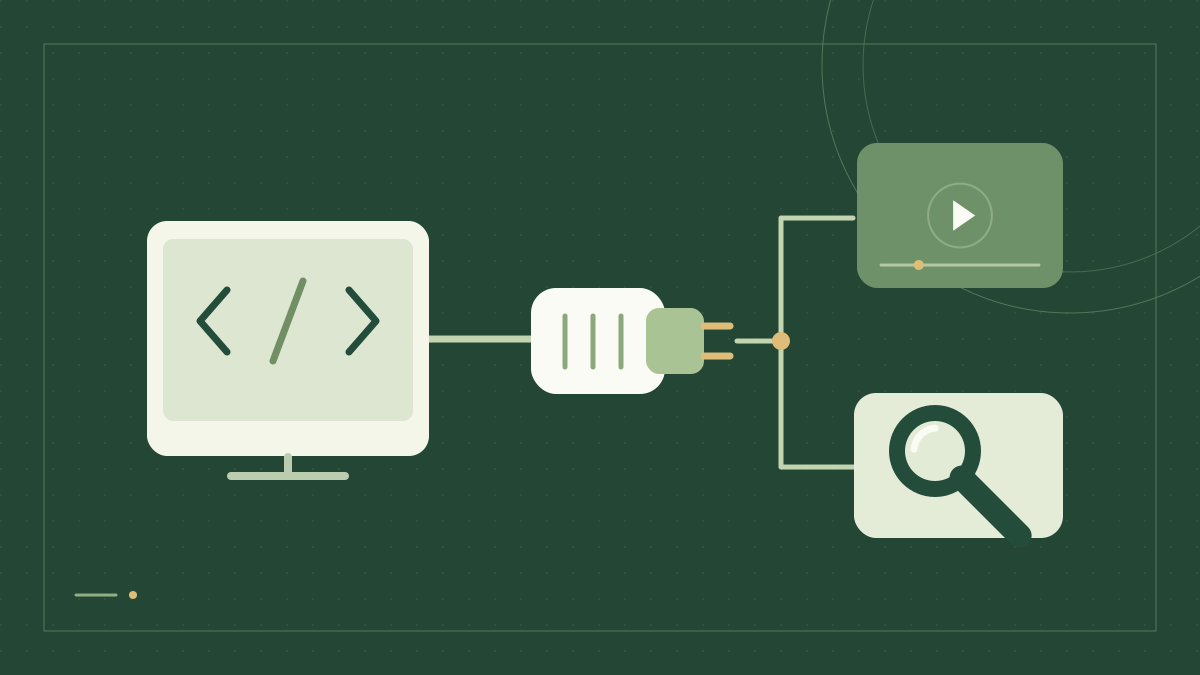
MCP lets a client discover tools and call them through a shared protocol. FlashData exposes Google Search and YouTube data tools through a remote Streamable HTTP endpoint. This tutorial connects a Node.js client, lists the available tool definitions, and runs a search only when you explicitly enable it.
This is a protocol integration guide. If you want ordinary Python functions to register with an agent framework, use Add Google and YouTube search tools to an AI agent.
Install the SDK and keep the API key on the server
Use Node.js 22 or later. The example uses the official MCP SDK version already verified in the FlashData documentation. Keep the API key in a server environment; do not embed it in a browser bundle, public repository or MCP endpoint URL.
mkdir flashdata-mcp-client
cd flashdata-mcp-client
npm init -y
npm install @modelcontextprotocol/[email protected]
export FLASHDATA_API_KEY='your-api-key'
The endpoint is https://data.flashdata.dev/mcp. Authentication uses the X-API-Key header. You do not need to start a local FlashData server. This connection uses Streamable HTTP, not a stdio command.
Connect, inspect tools and optionally run one search
Save this file as mcp-search.mjs. By default it calls listTools() and prints the available tool names and the Google Search input schema. Discovering tools does not execute a paid data query.
import { Client } from "@modelcontextprotocol/sdk/client/index.js";
import { StreamableHTTPClientTransport } from "@modelcontextprotocol/sdk/client/streamableHttp.js";

const key = process.env.FLASHDATA_API_KEY;
if (!key) throw new Error("Set FLASHDATA_API_KEY first.");
const client = new Client({ name: "search-example", version: "1.0.0" });
try {
  await client.connect(new StreamableHTTPClientTransport(
    new URL("https://data.flashdata.dev/mcp"),
    { requestInit: { headers: { "X-API-Key": key } } },
  ));
  const { tools } = await client.listTools();
  console.log("Available tools:", tools.map(tool => tool.name));
  const search = tools.find(tool => tool.name === "google_search");
  if (!search) throw new Error("google_search is not available to this client.");
  console.log("Search input schema:", JSON.stringify(search.inputSchema, null, 2));
  if (process.env.RUN_SEARCH === "1") {
    const result = await client.callTool({
      name: "google_search",
      arguments: { query: process.env.SEARCH_QUERY ?? "MCP protocol",
        gl: "us", hl: "en", num: 3, page: 1, mode: "realtime" },
    });
    if (result.isError) {
      console.error(JSON.stringify(result, null, 2));
      process.exitCode = 1;
    } else {
      console.log(JSON.stringify(result, null, 2));
    }
  } else {
    console.log("Discovery complete. Set RUN_SEARCH=1 to submit a billable query.");
  }
} finally {
  await client.close();
}
node mcp-search.mjs
# Run only when you are ready to submit a search using account Credits:
RUN_SEARCH=1 SEARCH_QUERY='MCP protocol' node mcp-search.mjs
MCP arguments are flat
REST and MCP describe the same search task with different request shapes. A REST query places country and language controls inside params. An MCP tool receives gl, hl, num and page directly in arguments; do not send a REST params object to the MCP tool. Unknown fields are rejected.
For YouTube, inspect the tool schema before constructing a call. A transcript tool takes video_id, language and auto; auto selects the existing automatic or uploader-provided track. It does not generate captions for a video that lacks them.
Handle asynchronous jobs and large results
Use mode: "async" when you want a job receipt instead of a realtime result. Keep the returned job ID and pass it as job_id to get_job. Completed jobs include the original response in output; results are retained for 24 hours after completion. Reading a job does not submit the query again.
Large results may arrive as a JSON text chunk with result_id and next_offset. Call get_result with the same key and continue using the returned offset until next_offset is null. Concatenate chunks in order before parsing. The limit is measured in UTF-16 code units, not rows or bytes. The result cache lasts 10 minutes, holds at most four large results per key, and can evict results sooner.
To deliver video or audio to your storage, call youtube_download with a storage destination and an API key that grants youtube_download. Save the returned job ID and poll get_job. For file-based Bulk processing, use the Bulk processing API.
Treat failures according to what happened
A successful HTTP exchange can still contain a tool result with isError: true; check that field. Tool errors retain useful upstream status and request identifiers. Fix invalid arguments, permissions or Credit balance before trying again.
A timeout or lost connection does not prove that a query was not executed. For query_outcome_unknown, inspect Request History before resubmitting. This client deliberately has no automatic retry loop around a paid tool call. Large upstream responses are limited to 4 MiB, so start with a small result count.
Queries use your existing Credits pricing, with no additional MCP charge. Read the MCP reference, MCP overview and pricing before choosing concurrency or batch sizes for a production client.